Minecraft Bedrock Edition
Moonlit blocky landscape at night with a square moon and purple horizon

Compatibility reference

What works where in Bedrock Edition

A device-by-device matrix, then the requirement behind every row. Written for people deciding what to buy for a mixed set of consoles, phones and PCs.

How to read this page

Every row carries a label and a source

Compatibility questions go stale fast, and a lot of what circulates online is either out of date or platform-specific dressed up as universal. So each claim here is tagged, and the link next to it is where the claim came from. If a row is not tagged Verified, treat it as a prompt to check your own storefront rather than a promise.

Verified Stated on an official Mojang, Microsoft, or platform-holder page. Link included.
Variable Broadly true, but the specifics change by store, region, device model, or game version.
User-reported From community documentation or player reports. Treated here as a question to check, never as fact.
Announced Publicly announced, not released as of this page’s review date. Not something you can use today.

One rule underpins the whole page. Bedrock and Java are separate games on separate multiplayer networks, and Mojang states plainly that Java and Bedrock players cannot play together. Nothing in the matrix below changes that — a device either runs Bedrock or it does not.

Source: Mojang, “Minecraft Java or Bedrock Edition”

Page reviewed 28 August 2026

The matrix

Bedrock features by device family

Read this by row, not by column. Your device decides which features exist at all; the notes column tells you what else you have to arrange before the feature works. Device families are grouped because Mojang and the platform holders document them that way.

Bedrock Edition capability by device family. “Cross-play” means sharing a world with players on other Bedrock devices, assuming everyone is signed in to a Microsoft account and running the current game version.
Device family Bedrock Cross-play Split-screen Marketplace & add-ons Vibrant Visuals Notes and extra requirements
Windows 10 / 11 PC Yes Yes No Yes GPU-dependent The only platform that can hold Java and Bedrock at once. Online play needs nothing but an internet connection. Vibrant Visuals needs a DirectX 12 capable GPU.
Xbox Series X and Series S Yes Yes Yes Yes Yes Online play needs an eligible Xbox plan; Home Xbox sharing can cover other profiles.
Xbox One family Yes Yes Yes Yes Model-dependent Community documentation reports Vibrant Visuals is available but off by default on the base One and One S. Paid Xbox online service normally required.
PlayStation 5 family Yes Yes Yes Yes Yes Online play needs PlayStation Plus entitlement; console sharing can cover eligible profiles. PlayStation uses Tokens.
PlayStation 4 family Yes Yes Yes Yes Model-dependent Community documentation reports Vibrant Visuals off by default on base PS4 and PS4 Slim. PlayStation Plus normally required for online play.
Nintendo Switch Yes Yes Yes Yes No Nintendo Switch Online normally required for online play. Community documentation reports Vibrant Visuals is not supported on this console.
iPhone and iPad Yes Yes No Yes Chip-dependent No console-style subscription needed. Community documentation reports Vibrant Visuals requires an A12 Bionic-class chip or newer.
Android phone and tablet Yes Yes No Yes GPU-dependent No console-style subscription needed. Test builds arrive as Google Play betas rather than a separate Preview app.
Chromebook Yes Yes No Yes No Sold through Google Play. Mojang notes a discount if you already own the Android version. Community documentation reports Vibrant Visuals is not supported on ChromeOS.
Amazon Fire tablets Reported yes Reported yes No Partly No Community documentation reports Bedrock runs on recent Fire OS devices, that Marketplace Pass cannot be purchased on Fire even though content works if you subscribed elsewhere, and that Vibrant Visuals is unsupported. Verify on the Amazon listing before buying.
Mac and Linux No No No No No Java Edition only. There is no Bedrock build for macOS or Linux, so these machines cannot join a Bedrock world at all.
Verified Device lists, split-screen being console-only, the PC-versus-console online requirement, and Java-only Mac/Linux support: Mojang, Java or Bedrock Edition. Chromebook availability and the Android-owner discount: Mojang, Minecraft is on Chromebook. Vibrant Visuals existing at all and what it does: Mojang. User-reported Per-model Vibrant Visuals defaults, Fire OS support, and Marketplace Pass purchase restrictions come from community documentation: minecraft.wiki: Vibrant Visuals, Bedrock Edition, Marketplace Pass.

The column people misread. “Cross-play: yes” describes what the edition permits, not what your account permits. A console with cross-play capability will still refuse to connect if the account’s online-safety permissions block multiplayer, if the platform subscription has lapsed, or if one player has updated the game and another has not. Those are the three checks in the multiplayer elimination checklist.

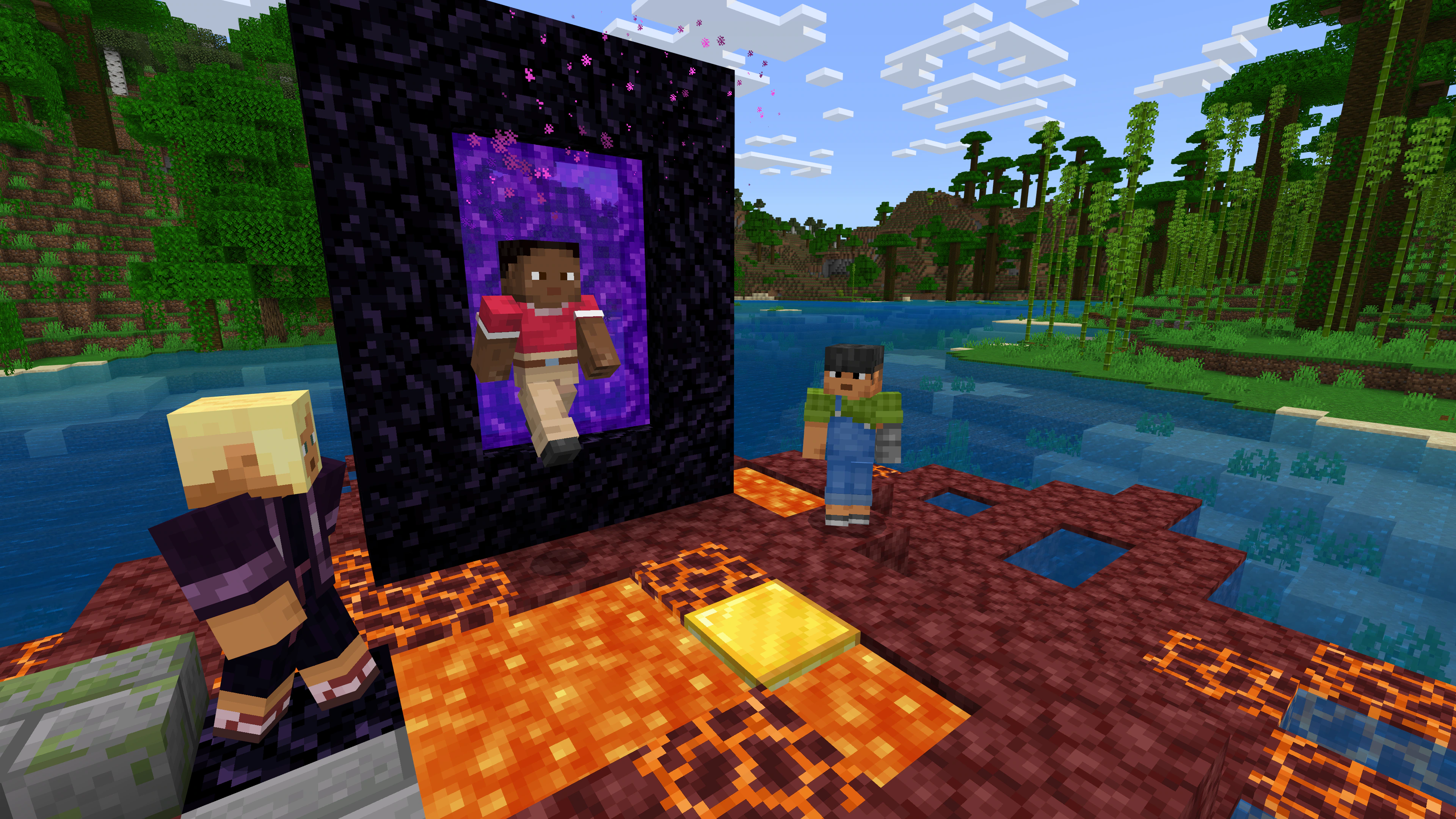
Characters standing together beside a portal in a jungle setting

Cross-play: the four conditions

Cross-play is the reason most people choose Bedrock, and it is also where most setups fail. It is not a single switch. Four separate things must line up, and each one is owned by a different party — Mojang, the platform holder, the account holder, and the network.

  1. Same edition. Everyone must be on Bedrock. Mojang states Java and Bedrock use different servers and their players cannot play together. Owning both editions on a Windows PC does not merge them; you still launch the one your friends are using.
  2. Same version. Bedrock only runs the current stable release or a preview/beta build, so a player who has updated and a player who has not will fail to connect. Beta and preview participants also lose Realms access.
  3. A Microsoft account, signed in. Mojang lists a Microsoft account as a cross-play requirement, and featured servers specifically require one.
  4. The platform’s online service, where applicable. Mojang notes that console online play typically needs a subscription such as the Xbox online service, PlayStation Plus, or Nintendo Switch Online, while on PC an internet connection is enough.
Verified All four conditions: Mojang, Java or Bedrock Edition · Microsoft account requirement also stated in Mojang’s Chromebook announcement. Variable Subscription tier names change; confirm on the console storefront. Work through the cross-play elimination checklist

Decision question: mixed household

One child on a Switch, one on an iPad, a parent on a Windows laptop. Can they share one world?

Yes — all three are Bedrock devices. Budget for one copy per device, a Microsoft account per player, and Nintendo Switch Online for the Switch player if they are joining online rather than sitting on the same sofa.
Decision question: the Mac in the family

Same household, but one player only has a MacBook. Can they join?

No — not on Bedrock. The Mac can only run Java, which is a different multiplayer network. The honest options are a second device that runs Bedrock, or moving the whole group to Java and giving up console players.

Four ways to share a world, compared

These options differ in who hosts, who pays, how many people fit, and whether the world remains available while the owner is offline. Compare those constraints before subscribing.

Comparison of Bedrock multiplayer options. Player counts describe simultaneous players, which is the number that actually limits a session.
Option Who hosts Group size Runs when you are offline Recurring cost Best for
Split-screen One console, one screen Up to 4 reported No None beyond the console Siblings or friends in the same room. Cheapest option because the console’s single copy is shared.
Local network A player’s own device Small No None Several devices on one home network. Host must keep the world open.
Invite to my world A player’s own device, over the internet Small No Console online service Occasional sessions where everyone plays at the same time as the host.
Realms Plus Mojang Owner + 10 others Yes Subscription A persistent group world where members can play without the owner present.
Verified Split-screen is console-only. Bedrock Realms supports the owner + 2; Realms Plus supports the owner + 10 and includes Marketplace Pass; Java Realms is separate: official plan comparison. User-reported The four-player split-screen figure and featured-server restriction: minecraft.wiki. Variable Console entitlement sharing differs by platform.

Invited players versus simultaneous players

A Realm has a member list and a separate concurrent cap. The current official comparison lists the owner plus 2 other simultaneous players on Bedrock Realms and the owner plus 10 on Realms Plus. Inviting more members does not raise the simultaneous-player limit.

Nothing on this page states a price. Subscription pricing varies by region and platform and changes over time, so the only number worth acting on is the one your own store shows you.

Featured servers, and what they are not

What they are

A curated list of partner-run servers reachable from the Bedrock main menu, with no IP address to type and nothing to download. Mojang notes they require a Microsoft account to join, and that Java instead reaches a wide range of third-party servers.

What they are not

They are not Mojang-moderated private spaces. Each operator sets its own rules, chat handling and optional purchases. Community documentation also reports that split-screen players cannot use featured servers, which surprises households that play on one console.

Verified Mojang · User-reported minecraft.wiki
Torchlit cavern with strong shadows and depth

Graphics modes: three tiers, not one

Older guides frame Bedrock’s visuals around RTX ray tracing on Windows. That framing is out of date. Bedrock now has a modern rendering path that reaches consoles and capable phones, which changes the answer to “will it look good on my device?”

Standard rendering Verified
The baseline every supported device runs. Nothing to enable, no hardware requirement beyond running the game.
Vibrant Visuals Verified
Mojang states this arrived in Bedrock Edition in version 1.21.90, bringing directional lighting and volumetric fog, and that default presets have since been adjusted per device. Microsoft’s creator documentation describes it as a physically-based rendering pipeline that affects graphics only, makes no gameplay changes, and runs locally so each player chooses whether to turn it on. Mojang · Microsoft Learn
Older RTX resource packs Verified
Microsoft’s creator documentation states that resource packs built for RTX ray tracing should still work with the new pipeline, but that the newly added capabilities are not backwards-compatible with the RTX pipeline. In practice: old packs are not orphaned, but they will not automatically gain the new lighting features. Microsoft Learn

Where Vibrant Visuals does and does not reach

Mojang confirms the feature and that presets differ by device, but the device-by-device breakdown below comes from community documentation. Treat it as a shortlist to check on your own hardware, not a specification.

Reported as supported

Windows PCs with a DirectX 12 capable GPU; Xbox Series X and Series S; Xbox One family with the base models off by default; PlayStation 5 family; PlayStation 4 family with base models off by default; iPhone and iPad from the A12 Bionic generation onward; Android devices from roughly the Adreno 640 and Mali-G68/G77 generation onward.

User-reported minecraft.wiki

Reported as not supported

ChromeOS devices, Amazon Fire tablets, and the original Nintendo Switch. If a device in your household is on this list, do not choose it because of the new lighting — the game still runs, it simply renders the standard way.

User-reported minecraft.wiki

Turned off in split-screen

Nintendo’s own announcement notes Vibrant Visuals is not available in some gameplay including split-screen and certain Marketplace content. So a console household that plays mostly on one shared screen will see less of this feature than the marketing suggests.

Verified Nintendo

Nintendo Switch 2 Announced

Nintendo has announced a Nintendo Switch 2 version for 27 October, with Vibrant Visuals as the default visual experience and a digital upgrade path for existing Switch owners, with more details still to follow. As of 28 August 2026 this has not released, so it should not factor into a purchase you make today.

Nintendo announcement
Assorted character skins and content packs arranged as store artwork

Marketplace, add-ons and what money buys

The Marketplace is Bedrock’s in-game store for worlds, adventure maps, skins, texture packs and add-ons. It has no Java equivalent — Mojang points Java players to third-party content instead. For a parent or a group organiser, the important part is not the catalogue but the payment model, because it has three separate layers.

  1. One-off purchases, made with Minecoins, an in-game currency bought with real money through your platform store.
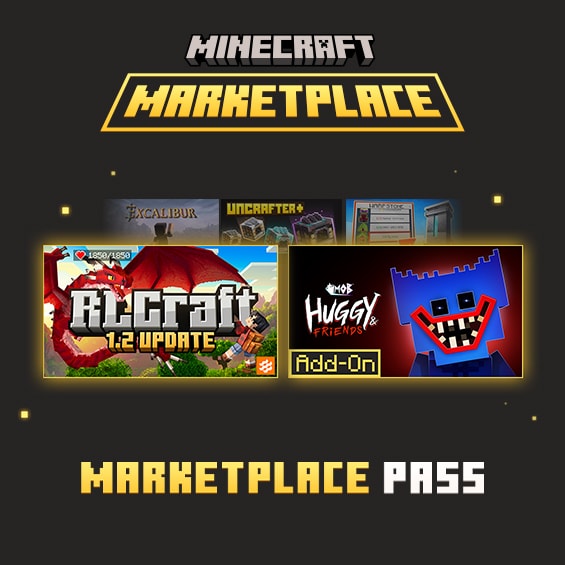
  2. Marketplace Pass, a subscription giving access to a rotating catalogue rather than permanent ownership of it.
  3. Realms Plus, which is a private server subscription that also includes access to the same Marketplace Pass catalogue.
Verified Marketplace is a Bedrock feature and Java uses third-party content: Mojang · Realms Plus includes the Marketplace Pass catalogue: official Realms page · Minecoins: official Minecoins page

Marketplace Pass or Realms Plus? The official rule

Mojang states that a Realms Plus subscription includes Marketplace Pass, that the content catalogue is the same for both, and that the difference is Realms Plus adding a personal server for a small group. Critically, Mojang also states that active Realms Plus subscribers cannot subscribe to Marketplace Pass, and advises unsubscribing from Marketplace Pass first if you want to move to Realms Plus.

The practical reading: if you want both a private world and the content catalogue, you want Realms Plus alone — not both subscriptions. Paying for both is not possible, and paying for Marketplace Pass then adding Realms Plus is the wrong order.

Verified Mojang, Marketplace Pass

Subscription content is access, not ownership

Content reached through a subscription catalogue depends on that subscription staying active and on the item staying in the catalogue. Items bought outright with Minecoins behave differently. If a child has built a long-running world using subscription content, understand that dependency before you cancel.

User-reported Exactly what persists after cancellation, and for how long, is documented by the community rather than clearly stated on the product page: minecraft.wiki. Treat this as a question to confirm with the store you subscribed through.

Currency and trials are platform-specific

Community documentation reports that Minecoins appear under a different name on PlayStation and are sold separately there, that Marketplace Pass cannot be purchased on Amazon Fire even though its content works if you subscribed elsewhere, and that the introductory trial is limited to once per account with at least one platform excluded.

User-reported minecraft.wiki · Variable Confirm on your own storefront.

Add-ons are not Java mods

Custom blocks, items and activities shown as add-on artwork

Add-ons are behaviour packs and resource packs: they change how blocks, mobs, recipes and world rules look and behave, within a framework Mojang controls. Microsoft publishes creator documentation for building them, including a scripting layer.

What they are not is a replacement for Java’s code-level mod ecosystem. If someone specifically wants large modpacks or loaders, that requirement points at Java, and Bedrock add-ons will not provide the same loader ecosystem.

Verified Add-ons are a Bedrock feature: Mojang · Creator framework and documentation: Microsoft Learn creator docs

Input, and why it decides who enjoys the game

Input method is an underrated part of the buying decision, especially for a first-time or younger player. Bedrock supports controller and touch natively, which is a genuine advantage over Java for console and mobile households.

Controller

The default on every console. Generally the gentlest entry point for a player who has never used keyboard-and-mouse, and the only practical way to run split-screen since each player needs their own controller.

Touch

Native on phones and tablets. Convenient and portable, but fiddly for precision building. A tablet is a fine way to try the game and a frustrating way to do detailed work.

Keyboard and mouse

Most precise for building, inventory work and redstone. Available on Windows, and Microsoft’s store capability tags have long listed console keyboard-and-mouse support as well — check your own console’s listing rather than assuming.

Age ratings. Minecraft carries different ratings from different regional boards, so there is no single correct number to quote. The rating that applies to you is the one printed on your own platform’s store listing; the ESRB’s public search is the authoritative place to check the North American rating.

Variable ESRB rating search · parental controls are covered on the setup page

What Bedrock cannot do

Most sites list features. Knowing the ceiling matters more when you are choosing a platform, because these are the limits people discover after they have already paid. None of these are defects — they are design boundaries.

It cannot play with Java

There is no official route. Mojang states the two editions use different servers and their players cannot play together. Any workaround you read about is unofficial and outside what this reference will recommend.

Verified Mojang

It cannot stay on an old version

Mojang states Bedrock plays only the latest stable version or a preview/beta build, while Java can launch any past release. If you rely on a specific older build, Bedrock is the wrong edition.

Verified Mojang

It cannot run on Mac or Linux

No Bedrock build exists for macOS or Linux. This is the single most expensive assumption a buyer can make, because it is only discovered after the rest of the group is already on Bedrock.

Verified Mojang

It cannot host a large community on Realms

Realms Plus allows the owner plus 10 other simultaneous players, while standard Bedrock Realms allows the owner plus 2. Groups that need more concurrent players require a different hosting approach.

Verified Mojang · self-hosting: official Bedrock dedicated server

It cannot use Java mods or mix pack types

Add-ons operate inside Mojang’s framework. Java mod loaders and their content do not apply to Bedrock, and Bedrock behaviour packs do not run in Java.

Verified Mojang

It cannot combine split-screen with everything

Split-screen exists only on consoles, and community documentation reports it does not work with featured servers and disables the newer graphics mode. Plan a couch-play household around those limits.

Verified console-only: Mojang · User-reported minecraft.wiki

Do not take our word for it

How to confirm any row on this page

Compatibility facts drift. Rather than trusting a table’s review date, here is how to check the four things most likely to have changed since this page was written.

  • Does my device run Bedrock? Open your platform’s own store and search for Minecraft. If the listing offers Bedrock for that device, it runs. Mojang’s platform picker is the neutral starting point.
  • Do I need a subscription for online play? The console’s own storefront states this, and it is the only source that reflects current tier names in your region.
  • Which subscription tiers exist right now? The official Realms plan comparison is authoritative and shows local pricing.
  • Is a graphics feature on my exact model? Launch the game, open Settings then Video, and look at the graphics options actually offered. The device tells you the truth faster than any table can.
  • Something is broken rather than unsupported? Start at the Minecraft Help Center rather than a forum thread.

Where community reports fit. This page uses player and wiki reports only to decide what to ask about — never as the answer. When a claim is tagged User-reported it means we found it documented by the community but not stated by the publisher, and you should confirm it before relying on it. Our full method is on the sources and trust page.

Page reviewed 28 August 2026

Know which device you need?

The Download page lists Minecraft Bedrock for each platform, what each download includes, and how many copies a household actually needs.