


“Minecraft is Minecraft — any copy works”
No. Buying Java when your child’s friends are on Xbox produces two games that cannot see each other. Confirm the devices in the group before you check out.
Verified Mojang
REFERENCE / OVERVIEW
Which devices run it, who can play with whom, and what to check before you spend anything.
The short answer
Minecraft is sold in two separate versions. Bedrock Edition is the one that runs on Windows, Xbox, PlayStation, Nintendo Switch, Android, iOS and Chromebook, and it is the only version whose players can share a world across those different device types. Java Edition runs on Windows, Mac and Linux only. The two versions use different multiplayer servers, so a Java player and a Bedrock player cannot join the same world — which is why the first question is never “which is better” but “which one are the people I want to play with using?”
Platform lists and the cross-play restriction: Mojang, “Minecraft Java or Bedrock Edition”Download from this site. minecraft-bedrock.net is where you download Minecraft: Bedrock Edition for your device. See how we source and correct this site.
Page reviewed 28 August 2026
Compatibility, at a glance
Owning Minecraft is only half of a working setup. On home consoles, online multiplayer normally sits behind that platform’s own paid service, and every device needs a Microsoft account before it can cross-play. This table is the compressed version; the full feature matrix adds split-screen, graphics modes, and store availability per device.
| Device | Runs Bedrock | Runs Java | Plays with other Bedrock devices | Extra requirement for online play |
|---|---|---|---|---|
| Windows 10 / 11 PC | Yes | Yes | Yes | Internet connection only — no console-style subscription |
| Mac / Linux | No | Yes | No | Java players only. This is the most expensive mistake buyers make. |
| Xbox One / Series S / Series X | Yes | No | Yes | Paid Xbox online entitlement; console-sharing rules may cover other profiles |
| PlayStation 4 / PlayStation 5 | Yes | No | Yes | PlayStation Plus entitlement; console sharing can cover eligible profiles |
| Nintendo Switch | Yes | No | Yes | Nintendo Switch Online entitlement; individual and family plans differ |
| iPhone / iPad | Yes | No | Yes | Internet connection only |
| Android phone / tablet | Yes | No | Yes | Internet connection only |
| Chromebook | Yes | No | Yes | Internet connection only. Bought through Google Play. |
Edge case worth knowing: a Windows PC can hold both editions at once. Mojang states that buying Minecraft: Java & Bedrock Edition for PC gives you both, and that owning one edition entitles you to the other. Even then you must launch the matching edition — owning both does not merge the two multiplayer networks. Source
Decision guide
Answer these in order. The first question that produces a hard constraint wins — you cannot solve a platform mismatch with a later preference.
What hardware will the player actually use?
Who do they want to play with, and on what?
Does the way they want to customise the game require Java?
Mixed devices, console-first households, mobile players, anyone who wants cross-device play with the least setup.
Desktop-only groups, Mac or Linux machines, modded play, or joining an existing Java server community.
One Windows PC, and the player has friends in both camps. Mojang states the PC bundle contains both editions.
Corrections
Each of these costs real money or a ruined evening. They are the questions that come up again and again in help communities, so they are worth reading before the questions become your problem.
No. Buying Java when your child’s friends are on Xbox produces two games that cannot see each other. Confirm the devices in the group before you check out.
Verified MojangIt does not. Mojang lists Java on Windows, Mac and Linux, and Bedrock on Windows plus consoles and mobile. A Mac household cannot join a console household on Bedrock.
Verified MojangEach player generally needs their own copy on their own device, plus their own account. Local split-screen on a console is the exception, because everyone shares one machine.
Varies by platform Licence terms are set by each store. See the household licence checklist.On PC, yes. On Xbox, PlayStation and Switch, online play normally requires that platform’s paid online service for each account that plays.
Verified MojangUsually it is an account permission, not the game. For a child account, only a parent in the family group can allow multiplayer, and the change needs a sign-out before it applies.
Verified Xbox family settings · elimination checklistBedrock worlds and Java worlds are not interchangeable. Moving a Bedrock world between Bedrock devices is possible, but it is a deliberate export step, not automatic.
Community-reported Exact steps differ per device — see backup and transfer.If you have never played, this is the loop you are buying. There is no story to finish and no levels to unlock — the game hands you an open world and a set of tools. Understanding this helps when you are deciding whether it suits the person you are buying for.
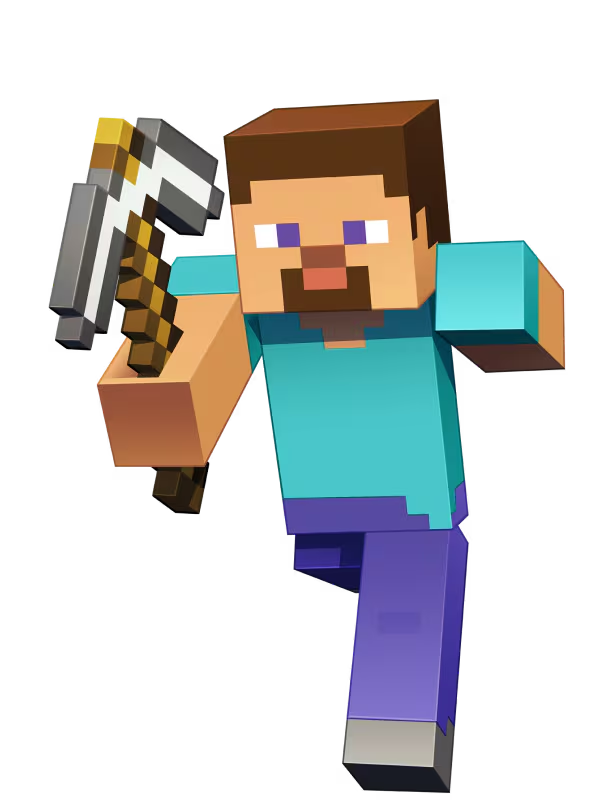
Break blocks to collect wood, stone and ore, then craft them into better tools. The early game is mostly this, and it is where new players learn the controls.
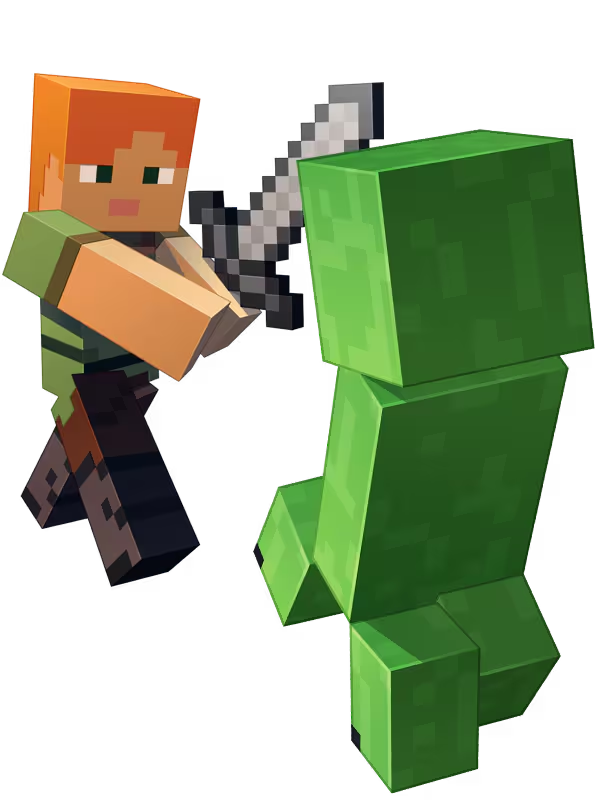
In Survival mode, hostile creatures appear in the dark. Players can fight, hide, or sleep through the night. Creative mode removes the danger entirely, which is often the better starting point for younger players.
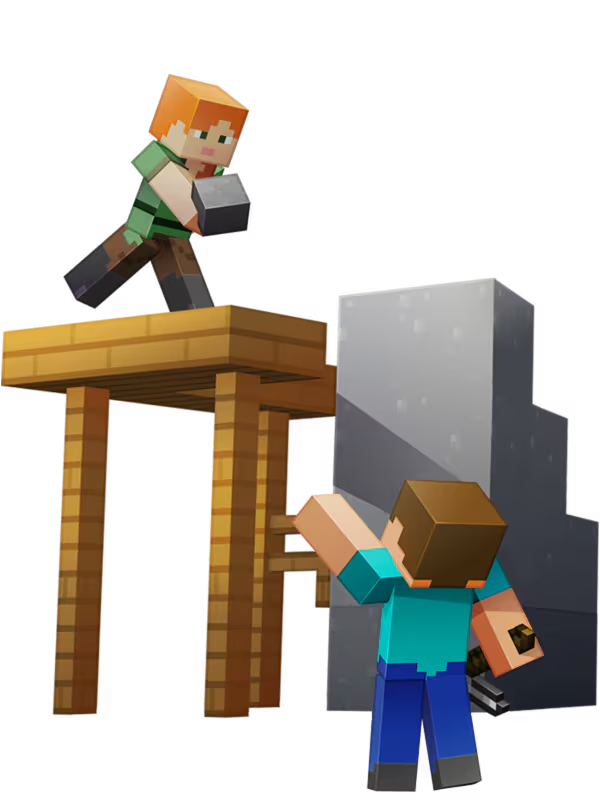
Everything gathered can be built into something. This is the part that keeps people playing for years, and the part that works best with other people in the world.
These are different products with different limits and costs. Compare who hosts, who can join, and whether the world stays online before choosing one.
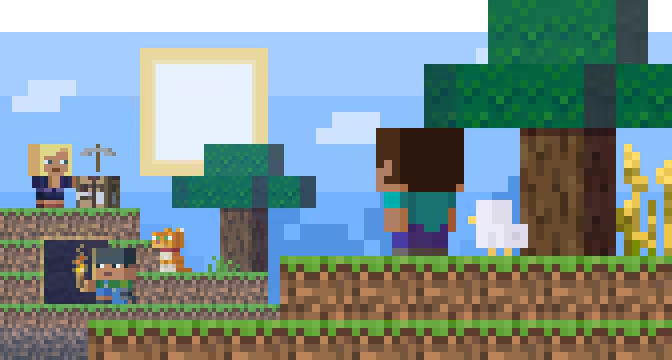
A list of partner-run servers built into the Bedrock main menu. No IP addresses, no downloads. Each server sets its own rules and its own extra purchases.
Players who want minigames and company without anyone hosting anything. Note that these are public spaces with strangers in them.
Moderation, chat rules and paid cosmetics are set by the server operator, not by Mojang. Split-screen players cannot use featured servers.
A private server hosted by Mojang that stays online when the owner is away. Bedrock Realms supports the owner plus 2 other simultaneous players. Realms Plus supports the owner plus 10 and includes Marketplace Pass.
For Bedrock, the official comparison lists the owner plus 2 other simultaneous players on Realms and the owner plus 10 on Realms Plus. Java Realms is a separate Java-only subscription.
Bedrock has both Realms and Realms Plus. Java Realms is separate and does not carry over to Bedrock. Current plan names, limits, and prices live on the official Realms page.
Two or more players on one console and one screen, or several devices on the same home network joining a world someone has opened.
Split-screen players share the console and its copy of the game, so a second child does not need a second purchase. Mojang states that only the console versions of Bedrock support local split-screen.
Community documentation reports up to four players and no split-screen on featured servers. For online play, each profile needs the required entitlement, but console sharing or a family plan may supply it without a separate paid subscription for every profile.
Status board
This section deliberately separates shipped features from announcements. A release date in the future is not something you should plan a purchase around today.
The full matrix covers split-screen, graphics modes, add-ons, store availability and the requirements behind each one.
Download Minecraft Bedrock for every device, what you get, PC requirements, and how many copies a household needs.
Pre-flight checklists, the account and family-settings path, backups, and a symptom table that points to the official help article.
Short answers, each labelled as verified, platform-dependent, or community-reported, with the source attached.
Download Minecraft Bedrock Edition from this site for your device.
Download for your device